
Click to download now, finish the installation quickly, and directly unlock the all-round experience
Screenshots
Click to download now, finish the installation quickly, and directly unlock the all-round experience
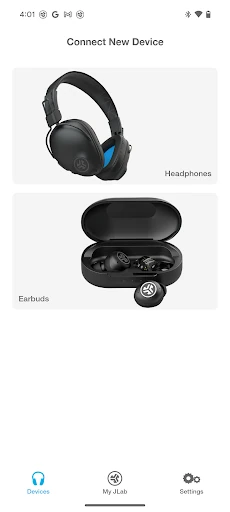
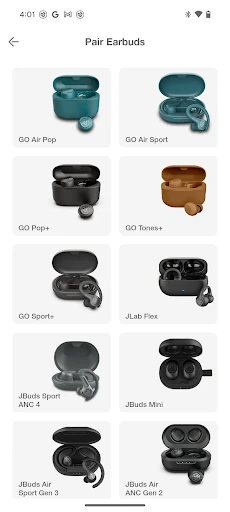
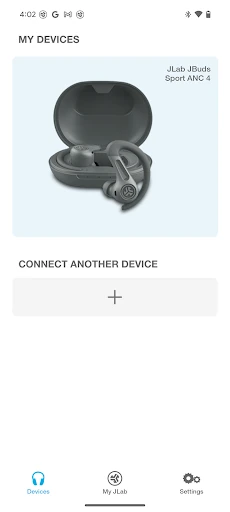
JLab is the companion app for JLab Audio headphones and earbuds. It gives owners a central place to adjust supported audio devices, change listening preferences, manage controls and handle firmware updates. The app suits people who want more control than the buttons and default settings on their JLab hardware provide.
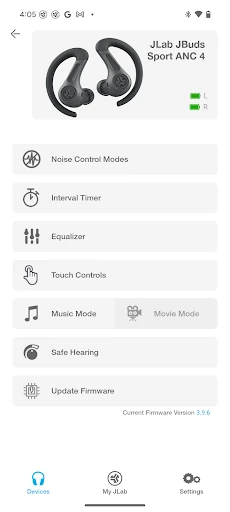
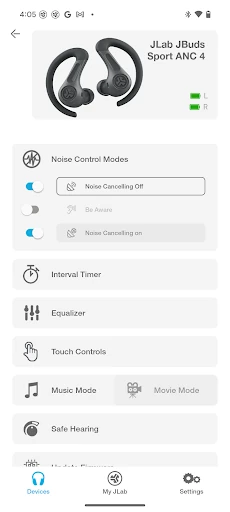
Depending on the connected model, JLab can provide equalizer presets and manual sound tuning. Users can adjust frequency ranges from 200Hz to 16kHz, making it possible to emphasize bass, soften treble or create a more balanced profile. Supported devices may also offer adjustable noise cancellation and “Be Aware” controls for managing how much surrounding sound is allowed through.
The app includes hearing-safety options on compatible products, with output limits of 85 dB or 95 dB. These controls are useful for listeners who want to keep maximum volume within a chosen threshold.
JLab can also change how supported touch controls or button presses work. Track navigation, playback and volume commands may be assigned to suit different habits, rather than leaving users with only the factory layout. Firmware management is available through the same companion interface, helping keep compatible hardware up to date.
Available settings depend on the specific JLab model. Entry-level or older devices may not support every equalizer, noise-control or button-mapping option, so the app’s feature set can vary between products.