Click to download now, finish the installation quickly, and directly unlock the all-round experience
Screenshots
Click to download now, finish the installation quickly, and directly unlock the all-round experience
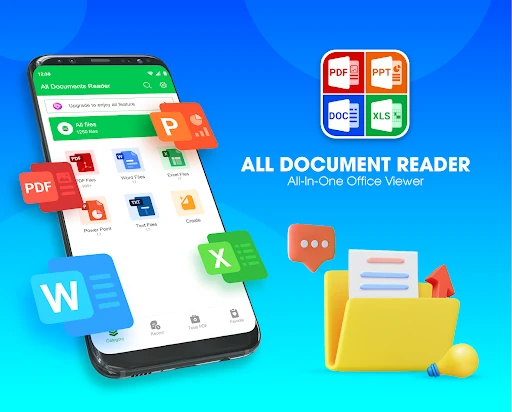
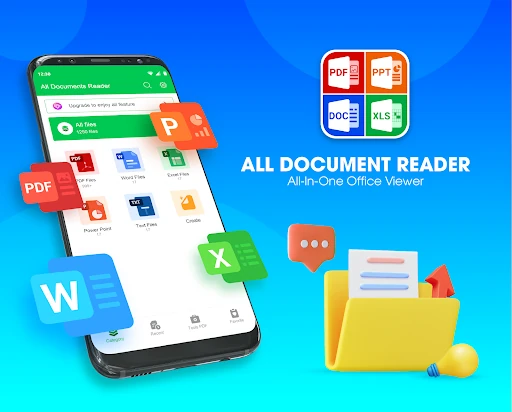
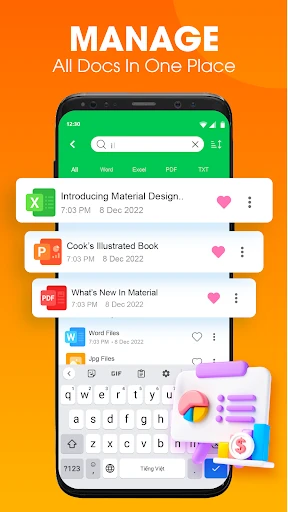
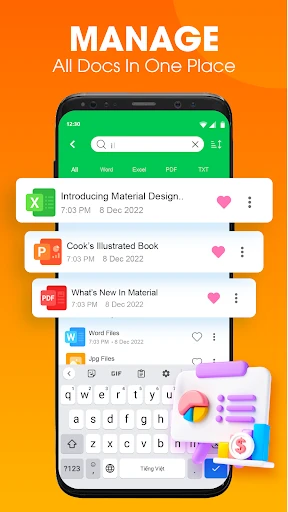
PDF Reader: Document Reader is a productivity app for opening and working with PDF and office files in one place. It suits students, office workers, and anyone who regularly needs to review documents without switching between separate viewer apps. The app is developed by FunGear inc and has reached 500,000+ installs.
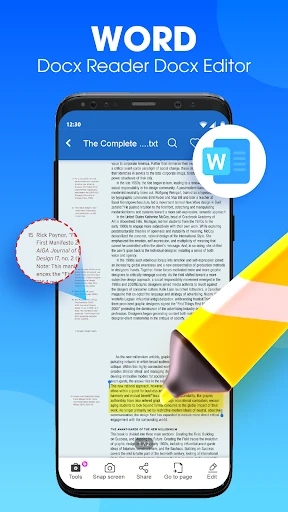
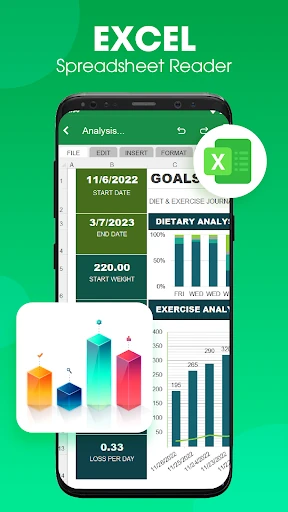
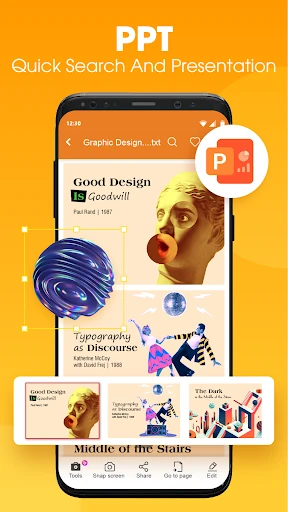
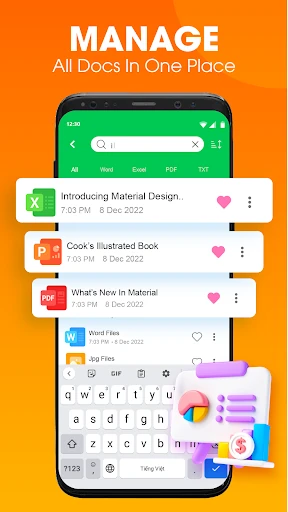
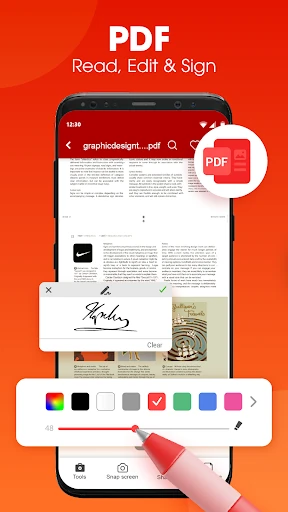
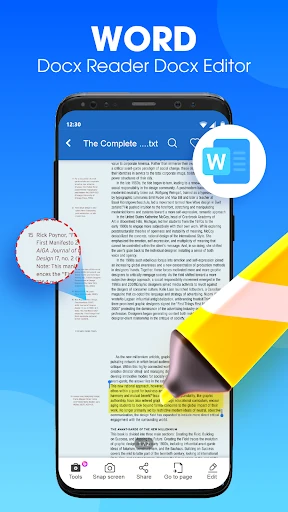
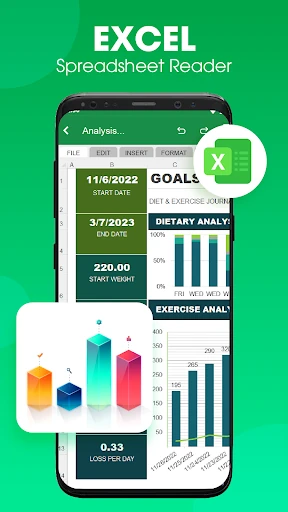
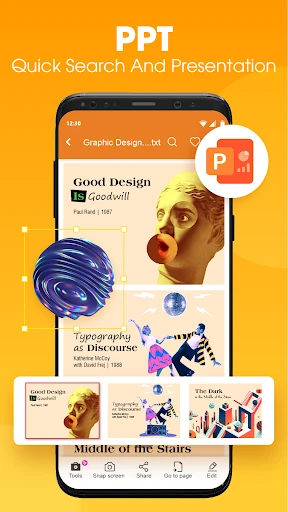
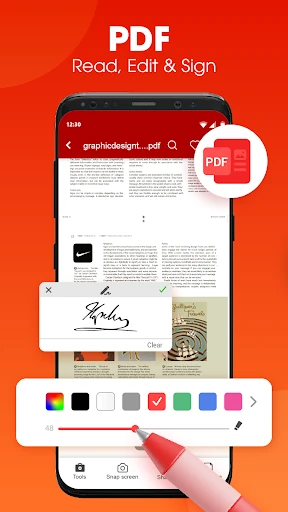
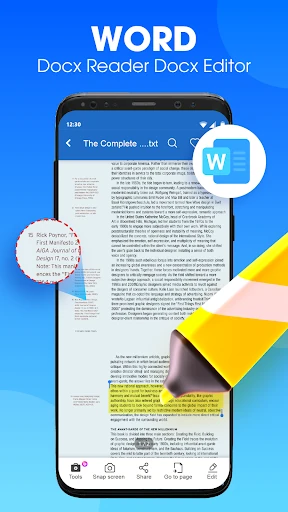
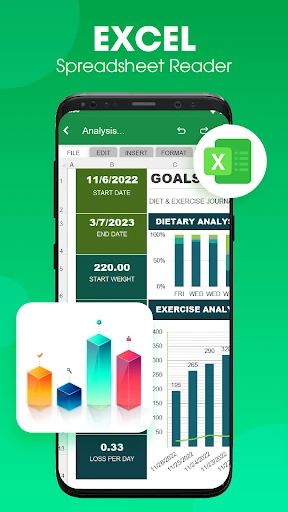
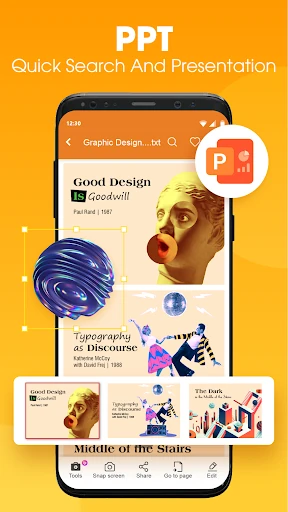
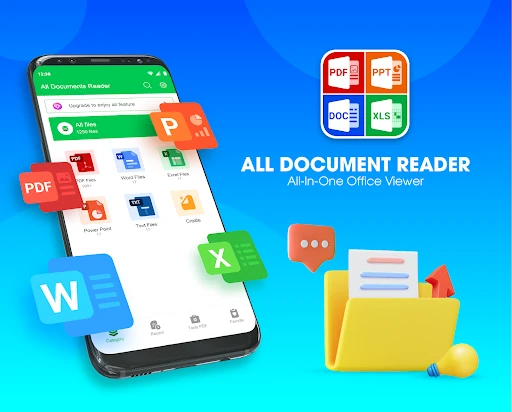
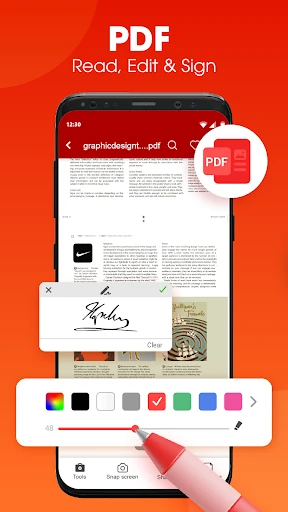
Use the app to view popular document formats, including PDF, Word, Excel, and PowerPoint files. It can also help with basic document tasks such as editing, annotation, signing, and converting files. This makes it useful for checking reports, reviewing worksheets, reading presentations, or preparing documents for sharing.
The app includes tools for turning paper documents and images into PDFs. A camera scan can capture a document and create a digital file, while image-to-PDF conversion helps collect pictures into a single document. You can also extract images from PDF files when you need to reuse their contents.
PDF Reader: Document Reader provides page management options for keeping files in the right order. Pages can be reordered, rotated, or removed as needed, which is helpful when combining scans or correcting a document before sending it. With a 4.11 rating from 2,614 reviews, the app offers a broad set of everyday document tools under the Productivity category.